

Publer, RADAAR, Typefully, STORI, OpusClip, Submagic and BrandBird make up a shortlist of the strongest social media management tools heading into 2026, covering everything from multi-platform scheduling to AI-assisted content strategy and short-form video creation. Each one gives a team or a solo creator a faster way to plan, publish and refine what goes out across social channels.
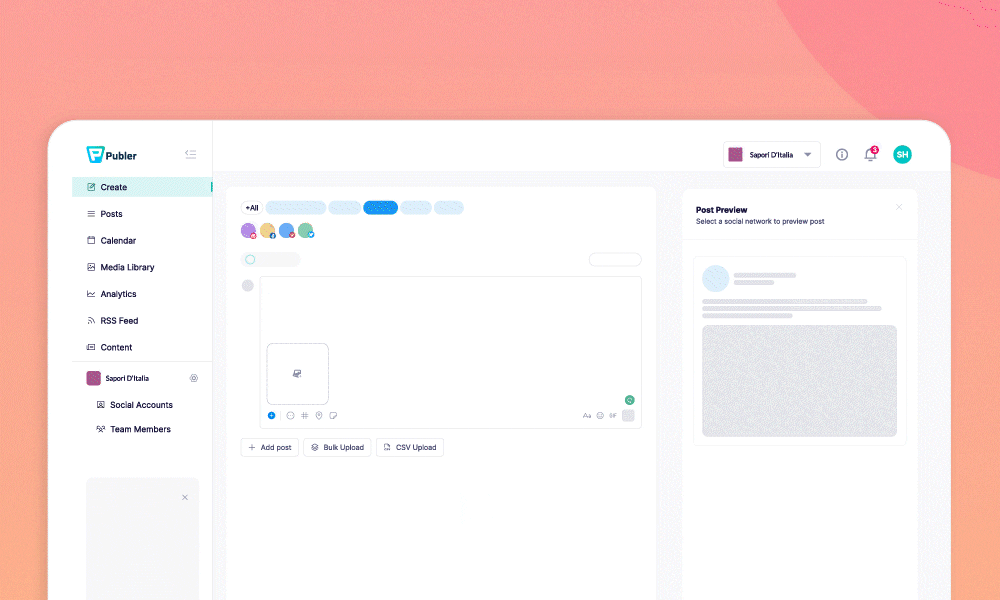
Social media management software solves the same core problem from different angles: keeping a consistent presence across several platforms without spending the whole day switching between apps. The list below starts with the all-in-one schedulers built to run an entire content calendar, moves through a strategy-first platform that plans what to post, and finishes with specialist tools built for fast, high-volume content creation. Whichever end of that spectrum a team starts from, the goal is the same: fewer hours lost to logistics and more time spent on the posts themselves.
How we picked these social media management tools
Every product on this list was judged against the same five criteria, so the order reflects genuine usefulness rather than how loudly a tool markets itself.
Related shortlists: Top 5 Lead Generation Software Tools in 2026 and Top 10 Marketing Automation Platforms in 2026.
Also worth a look: Top 5 Lead Generation Software Tools in 2026 and Top 10 SEO Tools in 2026.
- Capability — how much of the content workflow, from planning to publishing to reporting, a tool actually covers
- Ease of use — how quickly a team can get a content calendar up and running
- Pricing and value — what a free plan includes, and whether paid tiers earn the upgrade
- Reliability — consistency of publishing and platform connections
- Who it suits — the team size, budget and workflow each tool is actually built for
| Tool | Best for | Key features | Pricing | Free trial |
|---|---|---|---|---|
| Publer | Teams and agencies that manage multiple social accounts and want scheduling, analytics and collaboration in one dashboard. | Multi-platform scheduling, Content calendar, Analytics | Pricing on request | — |
| RADAAR | Social media managers who want a unified inbox and bulk scheduling for several brand accounts at once. | Unified inbox, Bulk scheduling, Social listening | Basic — $4.99/month | 14-day free trial, no credit card required |
| Typefully | Writers and personal brands who want to craft and schedule high-quality threads for X and LinkedIn. | Distraction-free writer, Smart scheduling, Engagement analytics | Pricing on request | — |
| STORI | Marketing teams that want an AI-built content strategy to guide what gets published and when. | AI marketing blueprint, Campaign management, Competitor analysis | Pricing on request | — |
| OpusClip | Creators, marketers and agencies who want to turn long-form video into short clips at scale. | One-click clipping, AI reframing, Auto captions | Free — basic AI clipping, limited features | Free plan |
| Submagic | Short-form video creators who want eye-catching captions without manual editing. | AI captions, Custom styles, B-roll and effects | Starter — $19/month (45 credits) | Free trial available |
| BrandBird | Solo creators and founders who want polished, on-brand social graphics without a designer. | Screenshot branding, Custom templates, Multi-platform sizing | Free — unlimited exports, watermark included | Free plan |
The best social media management tools in 2026
1. Publer
Create, Schedule & Analyze all Social Posts on One Platform.
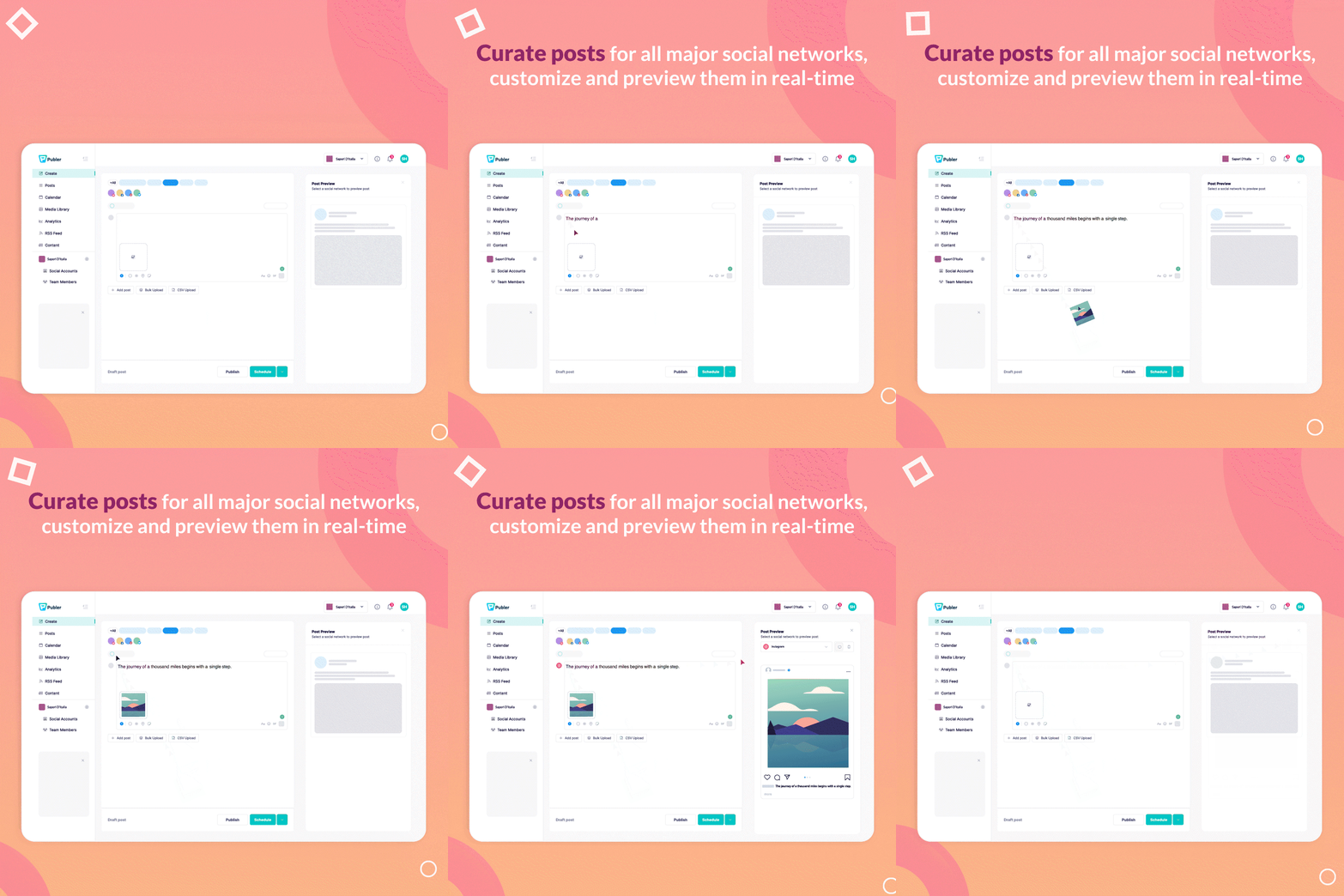
Publer is best for: Teams and agencies that manage multiple social accounts and want scheduling, analytics and collaboration in one dashboard.
Its shared calendar and analytics cover planning, publishing and reporting in one place, so a team rarely needs a second tool.
Key Publer features
- Multi-platform scheduling — queue posts across Instagram, Facebook, X, LinkedIn and more
- Content calendar — plan and visualize every post from one shared calendar
- Analytics — track performance and engagement by platform
- Team collaboration — assign drafts and approvals across a team
- AI assistant — generate captions and repurpose posts automatically
Publer pricing
- Pricing on request
2. RADAAR
Not just another scheduling tool!

RADAAR is best for: Social media managers who want a unified inbox and bulk scheduling for several brand accounts at once.
The unified inbox means replies and comments never have to be chased down platform by platform.
Key RADAAR features
- Unified inbox — reply to comments and messages from every platform in one place
- Bulk scheduling — queue and publish posts across accounts at once
- Social listening — monitor mentions and keywords across channels
- Approval workflows — route drafts through review before they go live
- Analytics reports — exportable performance reports by account
RADAAR pricing
- Basic — $4.99/month
- Standard — $9.99/month
- Professional — $29.99/month (most popular)
- Enterprise — from $749.99/month, custom
- Free trial: 14-day free trial, no credit card required
3. Typefully
Write, schedule, and publish great Twitter threads.

Typefully is best for: Writers and personal brands who want to craft and schedule high-quality threads for X and LinkedIn.
Its distraction-free writer is built specifically for long-form threads, not just single posts.
Key Typefully features
- Distraction-free writer — compose threads for X and LinkedIn without the usual feed
- Smart scheduling — queue posts and threads for the best times to publish
- Engagement analytics — track growth and performance across connected accounts
- Multi-platform posting — publish to X, LinkedIn, Threads and Bluesky from one draft
- AI writing tools — polish hooks and threads before they go out
Typefully pricing
- Pricing on request
4. STORI
AI building your inbound channels

STORI is best for: Marketing teams that want an AI-built content strategy to guide what gets published and when.
It decides the strategy as well as the schedule, which suits teams that want direction, not just a queue.
Key STORI features
- AI marketing blueprint — a CMO-level content strategy built from brand and market data
- Campaign management — keeps channels consistent across an ongoing content calendar
- Competitor analysis — tracks rival content and industry trends automatically
- Ideation to publishing — moves a post from idea to live without switching tools
- Audience and community growth — tools built to grow and engage a following over time
STORI pricing
- Pricing on request
5. OpusClip
Turn long videos into viral shorts in 1 click

OpusClip is best for: Creators, marketers and agencies who want to turn long-form video into short clips at scale.
Automatic virality scoring takes the guesswork out of deciding which clip from a long recording is worth posting.
Key OpusClip features
- One-click clipping — turns long videos into short, platform-ready clips automatically
- AI reframing — reframes footage for vertical formats without manual cropping
- Auto captions — adds styled captions to every clip
- Virality scoring — ranks generated clips by predicted engagement
- Thumbnail generation — creates thumbnails for each clip automatically
OpusClip pricing
- Free — basic AI clipping, limited features
- Starter — $15/month
- Pro — $29/month
- Business — custom pricing
- Free trial: Free plan
6. Submagic
Generate amazing captions for your shorts with AI

Submagic is best for: Short-form video creators who want eye-catching captions without manual editing.
It focuses on one job, styled captions, and gets a finished short back in minutes rather than hours.
Key Submagic features
- AI captions — generates trendy, styled captions with emojis in minutes
- Custom styles — match captions to a brand's look and feel
- B-roll and effects — adds premium b-roll and visual effects automatically
- Fast turnaround — captioned videos ready in under two minutes
- High-res export — exports up to 4K at 60 FPS on higher plans
Submagic pricing
- Starter — $19/month (45 credits)
- Pro — $39/month (120 credits)
- Business — $69/month (300 credits)
- Custom — tailored to usage and team size
- Free trial: Free trial available
7. BrandBird
Turn screenshots into beautiful social media images & posts

BrandBird is best for: Solo creators and founders who want polished, on-brand social graphics without a designer.
A generous free tier makes it an easy first stop for anyone who needs a quick, on-brand graphic today.
Key BrandBird features
- Screenshot branding — turns plain screenshots into polished social graphics
- Custom templates — apply brand colors, fonts and watermarks consistently
- Multi-platform sizing — formats graphics for X, Instagram, Dribbble and LinkedIn
- Unlimited exports — free plan allows unlimited branded exports
- Personal watermark — stamps every graphic with a consistent personal brand mark
BrandBird pricing
- Free — unlimited exports, watermark included
- Pro — $15/month, premium tools and watermark removal
- Lifetime — $179 one-time (regularly $348)
- Free trial: Free plan
Which social media management tool should you choose?
Teams managing several brand accounts at once should start with Publer, whose shared calendar and analytics cover the full workflow from one dashboard, or RADAAR, which adds a unified inbox for replying to comments and messages across every connected platform. Writers and personal brands focused on X and LinkedIn threads will get more from Typefully, a distraction-free writer built specifically for long-form posts. Marketing teams that want the strategy decided for them, not just the posting, should look at STORI, which builds a content blueprint from brand and competitor data before a single post goes out.
For teams whose content is mostly video, OpusClip turns long recordings into short, platform-ready clips in a single pass, while Submagic focuses purely on fast, styled captions for shorts that are already cut. Solo creators and founders who need their screenshots and quotes to look consistently on-brand will get the most from BrandBird, which turns a plain screenshot into a branded social graphic in a few clicks. Most of these tools offer a free plan or trial, so it is worth testing two or three against a real content calendar before committing.


