For small teams, the best social media management tools in 2026 are those that cut admin overhead and get campaigns live fast. This list ranks Publer, RADAAR, STORI, Typefully, OpusClip, Submagic, and BrandBird as the top seven picks, chosen specifically for their quick setup, affordable pricing, and low-maintenance workflows. Each tool fills a distinct niche, from all-in-one scheduling to AI-driven strategy and video repurposing.
This guide is for small teams that want a practical, no-frills approach to social media. Whether you need a single dashboard for publishing and analytics, a unified inbox for customer replies, or a way to turn long videos into shorts, these picks are tailored to your size. Use the table to compare core features, then dive into the detailed entries to find your perfect match.
How we picked these social media management tools
We evaluated each tool on feature depth, pricing clarity, and fit for small teams. Prioritized were platforms that offer a free trial or a free plan, flat or per-seat pricing that won’t strain a budget, and minimal setup time. We also looked for reliability in scheduling and analytics, and whether the tool reduces the need for additional software. The final list emphasizes tools that are easy to adopt and scale with your team.
Related shortlists: 10 Best GEO Tools in 2026 and Top 10 Advertising Tools in 2026.
Also worth a look: 7 Best Social Media Management Tools in 2026.
| Tool | Best for | Key features | Pricing | Free trial |
|---|---|---|---|---|
| Publer | small teams that need an all-in-one scheduling, calendar, and analytics hub | Multi-platform scheduling, Content calendar, Analytics | Pricing on request | — |
| RADAAR | small teams that want a unified inbox plus affordable tiered pricing | Unified inbox, Bulk scheduling, Social listening | Basic — $4.99/month | 14-day free trial, no credit card required |
| STORI | small teams that want AI-driven strategy and content direction, not just scheduling | AI marketing blueprint, Campaign management, Competitor analysis | Pricing on request | — |
| Typefully | small teams focused on X, LinkedIn, and long-form thread publishing | Distraction-free writer, Smart scheduling, Engagement analytics | Pricing on request | — |
| OpusClip | small teams that repurpose long videos into short clips for social media | One-click clipping, AI reframing, Auto captions | Free — basic AI clipping, limited features | Free plan |
| Submagic | small teams that need fast, stylish AI captions for short videos | AI captions, Custom styles, B-roll and effects | Starter — $19/month (45 credits) | Free trial available |
| BrandBird | small teams that need quick, on-brand graphics from screenshots | Screenshot branding, Custom templates, Multi-platform sizing | Free — unlimited exports, watermark included | Free plan |
The best social media management tools in 2026
Each entry below highlights why the tool stands out for small teams, focusing on its most valuable features and the type of team it suits best.
1. Publer
Create, Schedule & Analyze all Social Posts on One Platform.
Publer is best for: small teams that need an all-in-one scheduling, calendar, and analytics hub
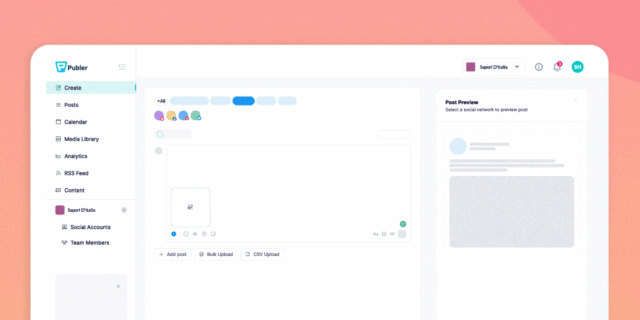
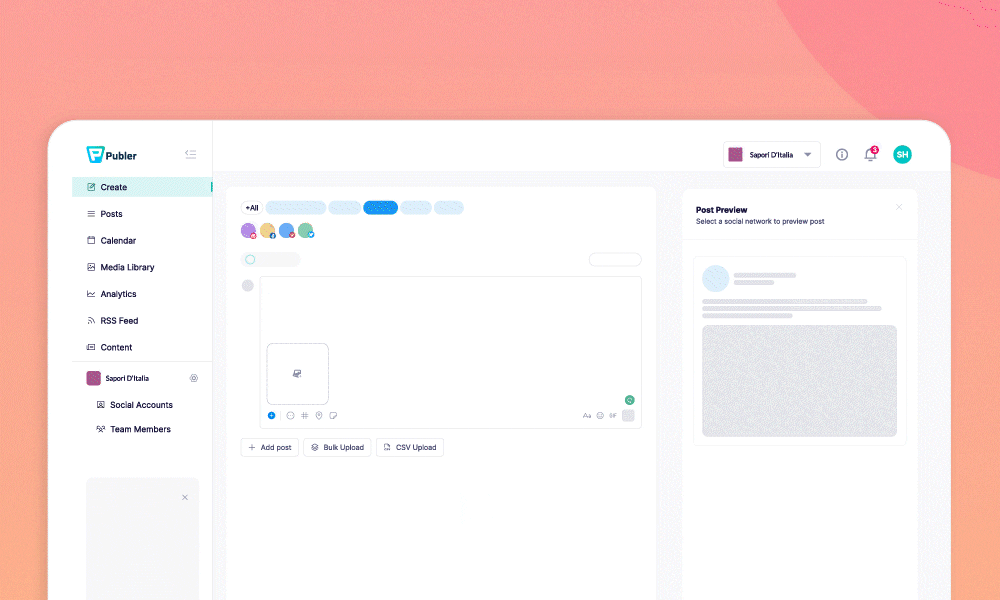
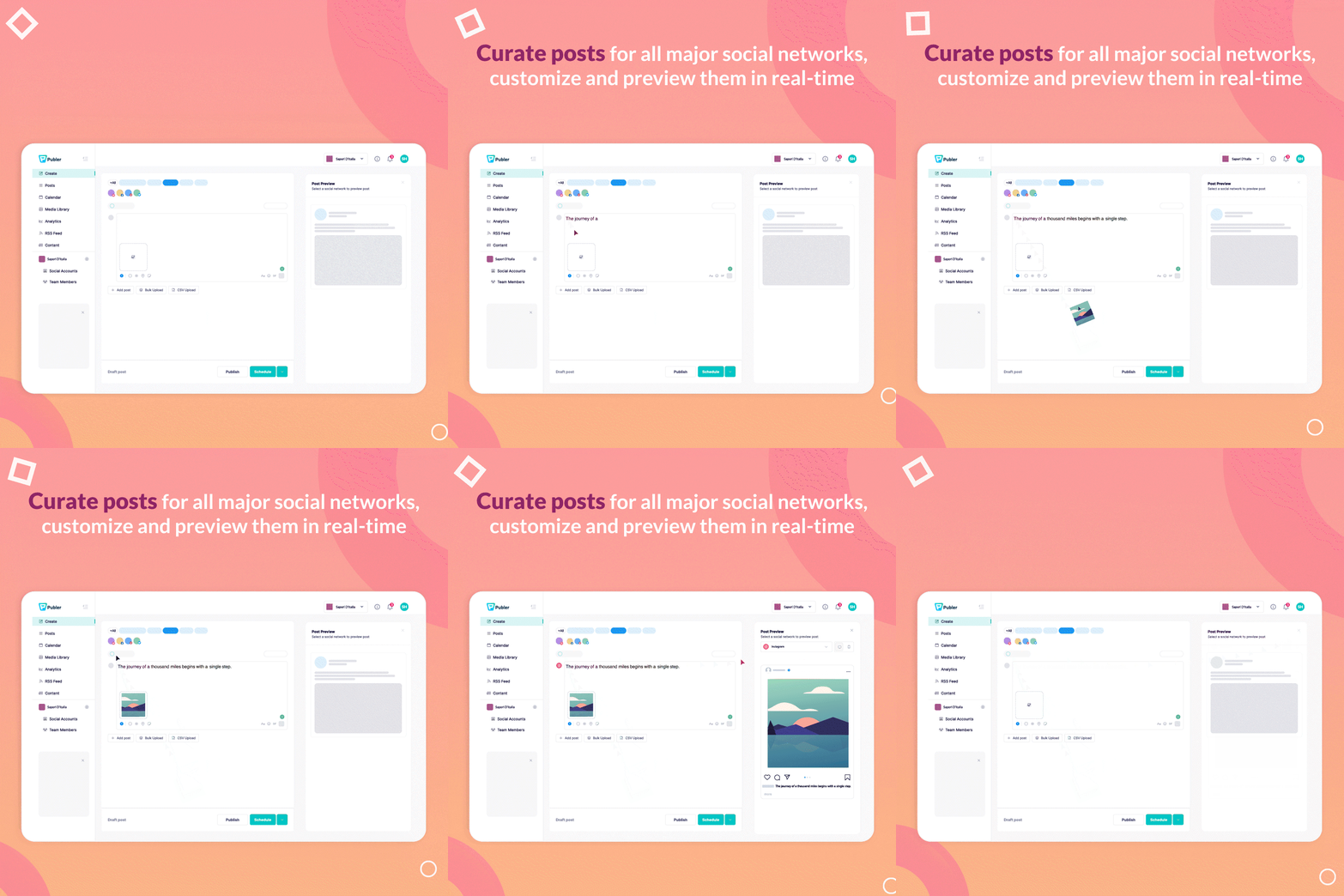
Publer brings scheduling, a shared content calendar, analytics, and team collaboration into one platform, so small teams can plan, publish, and report without juggling multiple tools. Its AI assistant helps generate captions and repurpose posts, saving time. With a 4.9 rating, it's a reliable choice for teams that want a single source of truth.
Key Publer features
- Multi-platform scheduling — queue posts across Instagram, Facebook, X, LinkedIn and more
- Content calendar — plan and visualize every post from one shared calendar
- Analytics — track performance and engagement by platform
- Team collaboration — assign drafts and approvals across a team
- AI assistant — generate captions and repurpose posts automatically
Publer pricing
- Pricing on request
2. RADAAR
Not just another scheduling tool!

RADAAR is best for: small teams that want a unified inbox plus affordable tiered pricing
RADAAR combines a unified inbox, bulk scheduling, social listening, and approval workflows in one tool, making it easy to manage replies and posts from a single dashboard. Pricing starts at just $4.99 per month, with a 14-day free trial, which is ideal for budget-conscious teams. Its analytics reports are exportable, aiding in performance tracking.
Key RADAAR features
- Unified inbox — reply to comments and messages from every platform in one place
- Bulk scheduling — queue and publish posts across accounts at once
- Social listening — monitor mentions and keywords across channels
- Approval workflows — route drafts through review before they go live
- Analytics reports — exportable performance reports by account
RADAAR pricing
- Basic — $4.99/month
- Standard — $9.99/month
- Professional — $29.99/month (most popular)
- Enterprise — from $749.99/month, custom
- Free trial: 14-day free trial, no credit card required
3. STORI
AI building your inbound channels

STORI is best for: small teams that want AI-driven strategy and content direction, not just scheduling
STORI goes beyond scheduling by building a CMO-level content strategy from brand and market data, then manages campaigns and competitor analysis automatically. It suits teams that need guidance on what to post, not just when. With a 4.9 rating, it's a high-quality option for those seeking an AI marketing partner.
Key STORI features
- AI marketing blueprint — a CMO-level content strategy built from brand and market data
- Campaign management — keeps channels consistent across an ongoing content calendar
- Competitor analysis — tracks rival content and industry trends automatically
- Ideation to publishing — moves a post from idea to live without switching tools
- Audience and community growth — tools built to grow and engage a following over time
STORI pricing
- Pricing on request
4. Typefully
Write, schedule, and publish great Twitter threads.

Typefully is best for: small teams focused on X, LinkedIn, and long-form thread publishing
Typefully offers a distraction-free writer specifically for threads, with smart scheduling and engagement analytics. It supports posting to X, LinkedIn, Threads, and Bluesky from one draft, making it a great fit for teams that prioritize text-based content. The AI writing tools help polish hooks before publishing.
Key Typefully features
- Distraction-free writer — compose threads for X and LinkedIn without the usual feed
- Smart scheduling — queue posts and threads for the best times to publish
- Engagement analytics — track growth and performance across connected accounts
- Multi-platform posting — publish to X, LinkedIn, Threads and Bluesky from one draft
- AI writing tools — polish hooks and threads before they go out
Typefully pricing
- Pricing on request
5. OpusClip
Turn long videos into viral shorts in 1 click

OpusClip is best for: small teams that repurpose long videos into short clips for social media
OpusClip automatically turns long videos into platform-ready shorts with AI reframing, auto captions, and virality scoring to rank clips by predicted engagement. It's a time-saver for teams that produce video content and want to maximize reach on short-form platforms. The free plan offers basic clipping, with paid plans starting at $15/month.
Key OpusClip features
- One-click clipping — turns long videos into short, platform-ready clips automatically
- AI reframing — reframes footage for vertical formats without manual cropping
- Auto captions — adds styled captions to every clip
- Virality scoring — ranks generated clips by predicted engagement
- Thumbnail generation — creates thumbnails for each clip automatically
OpusClip pricing
- Free — basic AI clipping, limited features
- Starter — $15/month
- Pro — $29/month
- Business — custom pricing
- Free trial: Free plan
6. Submagic
Generate amazing captions for your shorts with AI

Submagic is best for: small teams that need fast, stylish AI captions for short videos
Submagic specializes in generating trendy, styled captions with emojis in minutes, plus custom styles and b-roll effects. It's perfect for teams that want a quick turnaround on captioned shorts, with exports up to 4K at 60 FPS on higher plans. The free trial lets teams test it before committing.
Key Submagic features
- AI captions — generates trendy, styled captions with emojis in minutes
- Custom styles — match captions to a brand's look and feel
- B-roll and effects — adds premium b-roll and visual effects automatically
- Fast turnaround — captioned videos ready in under two minutes
- High-res export — exports up to 4K at 60 FPS on higher plans
Submagic pricing
- Starter — $19/month (45 credits)
- Pro — $39/month (120 credits)
- Business — $69/month (300 credits)
- Custom — tailored to usage and team size
- Free trial: Free trial available
7. BrandBird
Turn screenshots into beautiful social media images & posts

BrandBird is best for: small teams that need quick, on-brand graphics from screenshots
BrandBird turns plain screenshots into polished social graphics with custom templates and multi-platform sizing. Its generous free plan includes unlimited exports with a watermark, making it a great starting point for teams on a tight budget. Pro plans at $15/month remove the watermark and add premium tools.
Key BrandBird features
- Screenshot branding — turns plain screenshots into polished social graphics
- Custom templates — apply brand colors, fonts and watermarks consistently
- Multi-platform sizing — formats graphics for X, Instagram, Dribbble and LinkedIn
- Unlimited exports — free plan allows unlimited branded exports
- Personal watermark — stamps every graphic with a consistent personal brand mark
BrandBird pricing
- Free — unlimited exports, watermark included
- Pro — $15/month, premium tools and watermark removal
- Lifetime — $179 one-time (regularly $348)
- Free trial: Free plan
Which social media management tools should you choose?
If your team needs a single platform for scheduling, analytics, and collaboration, Publer is the top recommendation, offering a shared calendar and AI assistance that keeps everything in one place. For budget-conscious teams that also want a unified inbox for replies, RADAAR provides affordable tiered pricing and a 14-day free trial. If you’re looking for AI-driven strategy rather than just scheduling, STORI builds a content blueprint and manages campaigns automatically.
For teams focused on text-based content like threads, Typefully offers a distraction-free writer and multi-platform posting. If you produce long videos, OpusClip turns them into viral shorts with AI reframing and captions. For quick, styled captions, Submagic delivers in minutes. Finally, BrandBird is perfect for turning screenshots into on-brand graphics with a generous free plan. Evaluate your team’s primary need, and you’ll find the right fit among these seven.